

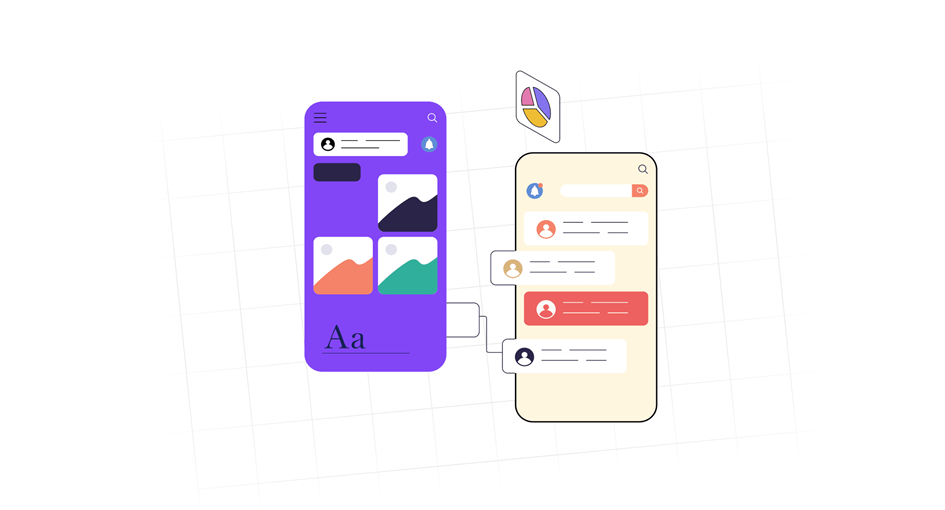
Have you ever downloaded an app that looked amazing in screenshots, only to get lost, frustrated, and uninstall it within minutes? Yeah, we’ve all been there. Consumers anticipate a smooth experience above all else, along with quickness and ease of use. app UI/UX design is useful in this situation. Let’s dissect it. UI (User Interface) refers to the appearance and arrangement of buttons, colors, and fonts. User experience, or UX, is the way something feels to users, how simple it is to use, how intuitive it is, and how it makes them feel. Together, they create the backbone of your app’s identity.
Good app UI/UX design can make users fall in love with your app, while poor design can send them running to your competitors. Maybe you’re a developer trying to make your app less “meh,” or a startup founder designing your MVP on a shoestring budget, or even a student dipping your toes into the UI/UX world using tools like Figma. No matter where you’re starting from, this guide will walk you through everything you need to know from free design tools to downloadable mobile app UI UX design templates, and tips on creating truly user-centric app experiences.
1. App UI/UX Design: What Is the Difference Between UI and UX and Why Does It Matter?
Before we get into tools and templates, let’s clear up the biggest misconception: UI and UX are not the same. UI (User Interface) is the visual layout: how your app looks buttons, sliders, color schemes, typography. Think of it this way: UI is the car’s design, UX is how it drives. You can have the most stunning design in the world, but if users can’t figure out how to navigate or complete a task, they’ll abandon your app fast.
2. Resources to Help You Get Started (Free!)
You don’t need to be a design wizard or spend thousands of dollars to build great app UI/UX design. Today, some of the best mobile app UI design tools are free or have free tiers perfect for beginners.
- Figma: A fan favorite. It’s free, browser-based, and amazing for collaborative design. It also offers UI design app free templates you can start from.
- Adobe XD: Another solid tool with free starter plans, especially for prototyping and wireframes.
- Sketch: Popular for macOS users, though not free, it’s beloved for its simplicity.
- Canva: Surprisingly useful for beginners, especially for designing assets or quick prototypes.
If you’re specifically looking for app UI UX design free templates, platforms like Figma Community, UI8, and Dribbble offer downloadable starter kits you can modify for your own projects.
3. Templates to Speed Up Your Design Process
If you’re not a seasoned designer (yet), starting with mobile app UI design templates can save you tons of time and effort. These templates provide polished design layouts you can customize great for learning structure, layout, and usability best practices.
- Figma Community: A goldmine of free and premium UI kits search “mobile app UI design templates” and start exploring.
- UI8.net: High-quality, professional UI kits. Many are free.
- Behance & Dribbble: Great for inspiration and downloads.
Look for templates that include screens like onboarding, login, profile, and product listings these are essential for any app and give you a solid structure to build from.
4. What Makes a “Best” App UI/UX Design?
So what separates a forgettable app from one users rave about? Here are key traits of the best mobile app UI UX design:
- Clarity: Users should instantly understand what your app does.
- Consistency: Buttons, icons, fonts everything should feel unified.
- Minimalism: Less is more. Avoid visual clutter.
- Feedback: Let users know when they complete an action (e.g., a button press animation or loading indicator).
- Speed: Design for performance. Clunky transitions or confusing navigation ruin UX.
One of the best ways to learn? Reverse-engineer apps you love. Download popular apps, go screen by screen, and observe what works and what doesn’t. Look at button placement, colors, microinteractions, and flow.
5. Tips for Designing Your First App
Here are beginner-friendly tips to keep your UI/UX journey smooth:
- Sketch it out first: Start with pen and paper. Map your user journey before jumping into tools.
- Use grids and spacing: Tools like Figma offer grid systems that help align your elements and maintain consistency.
- Think mobile-first: Prioritize mobile usability. Keep tap targets big enough, don’t overcrowd screens, and test on real devices.
- Test, test, test: Share your prototype with real users (even friends!) and observe their behavior. You’ll learn more in one test than 10 hours of guesswork.
- Keep accessibility in mind: Make sure fonts are readable, colors contrast well, and buttons are tappable for all users.
6. App UI/UX Design: Real-World Inspiration
Need a little design inspo? Here are a few apps with award-winning UI/UX:
- Headspace: Clean, calming, and user-friendly. Everything has a purpose.
- Duolingo: Gamified UX that makes learning addictive.
- Notion: Excellent onboarding and intuitive interactions.
Try exploring their designs using Figma templates or UI kits inspired by these apps. You’ll start to pick up on the design patterns used in some of the best app UI UX design examples in the world.
To sum up, great app UI/UX design isn’t about being perfect from the get-go. It’s about understanding your users, solving problems creatively, and iterating with intention. Whether you’re using mobile app UI design tools like Figma, or modifying UI design app free templates, remember: every tap, scroll, and swipe is a chance to delight your user.You don’t need to be a pro designer to build a beautiful, functional app. You just need a beginner’s mindset, a willingness to learn, and the right tools in your toolkit. Start with free resources, study what works, and don’t be afraid to make mistakes because that’s how great design is born. Happy designing!